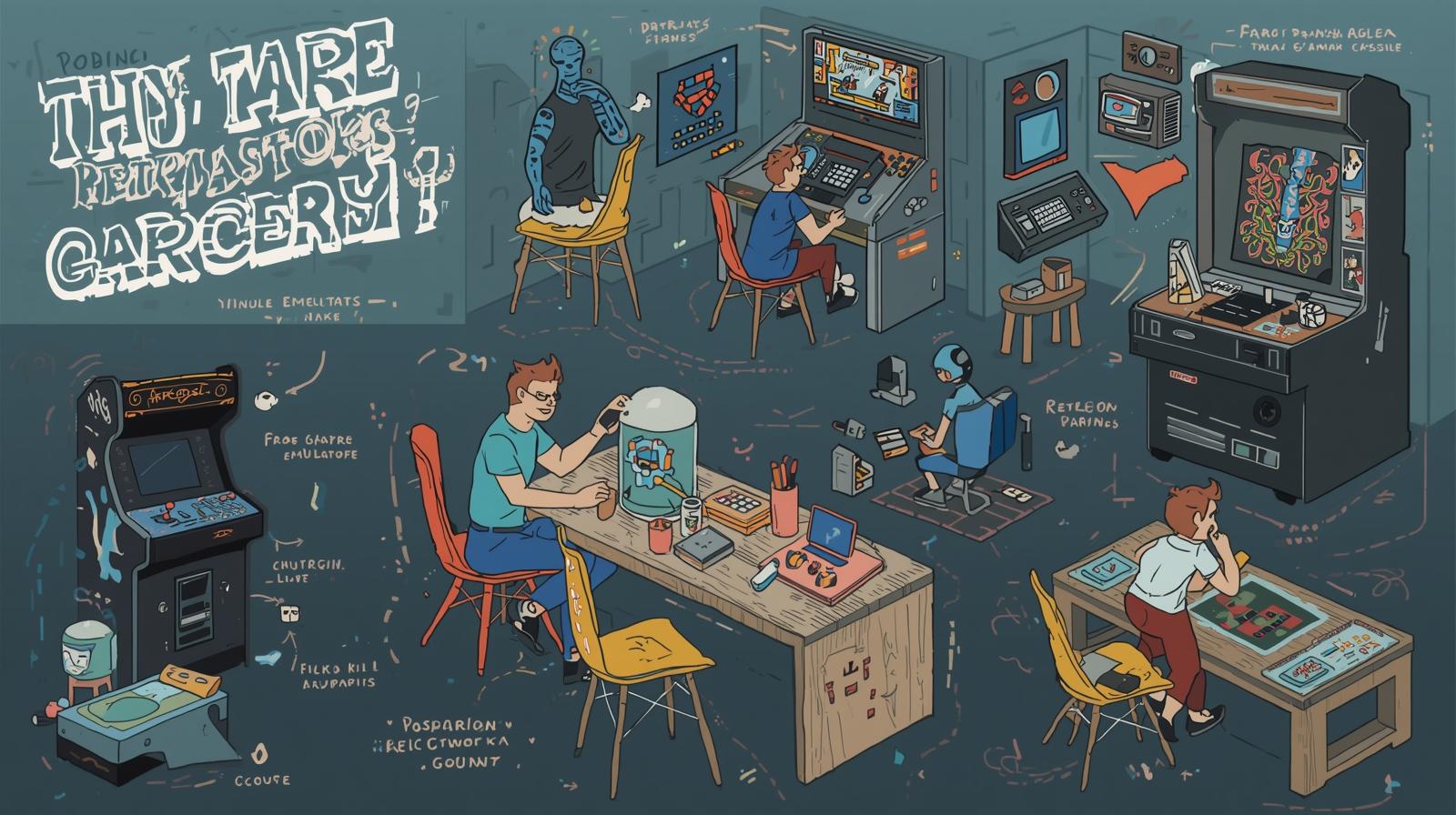
In the fast-paced world of urban lifestyle, gaming has become a cornerstone of relaxation and social interaction. With the surge of nostalgia for retro gaming, many enthusiasts are embracing the idea of creating their own home arcade. If you’re a fan of extreme sports, retro culture, or just want to immerse yourself in the thrill of classic games, building a home arcade with emulators is an exciting project. In this guide, we’ll walk you through everything you need to know to set up your very own gaming haven.
What is an Emulator and Why You Need One
An emulator is software that mimics the hardware of a gaming console, allowing you to play games on your computer or various devices. This means that you can enjoy classics from the NES, SNES, Sega Genesis, and even arcade games without needing the original hardware. Here are a few reasons why you should consider using emulators:
-
Accessibility: Emulators allow you to play games that may be hard to find today. Many classic titles are now available digitally, and emulators provide access to a library of games that have been relegated to nostalgia.
-
Customization: Want to tweak your gaming experience? Emulators often come with features that let you customize graphics, controls, and even add cheat codes, giving you more control compared to original consoles.
-
Affordability: Setting up a home arcade with emulators can be a budget-friendly option compared to tracking down vintage consoles and games, which can often come with hefty price tags.
Choosing Your Emulators and ROMs
Before you dive into the hardware setup, you’ll need to select which emulators to use and where you can find the games (ROMs). Here’s a breakdown:
Popular Emulators
-
RetroArch: This is a front-end for various emulators, allowing you to play games from multiple consoles in one place. It’s user-friendly and includes features like shaders and netplay.
-
MAME (Multiple Arcade Machine Emulator): If you’re specifically interested in arcade games, MAME is the way to go. It supports thousands of arcade titles, offering a true retro arcade experience.
-
ZSNES/SNES9x: For Super Nintendo games, these lightweight emulators make it easy to relive classics with minimal setup.
-
Kega Fusion: This is a great choice for Sega Genesis and Game Gear titles, providing excellent compatibility and performance.
Obtaining ROMs
Finding ROMs can be a tricky endeavor as legal issues surround many classic games. Here are some tips for sourcing ROMs legally:
-
Homebrew Games: Look for independent developers who create new games for old consoles, as these can often be downloaded legally.
-
Public Domain: Some games are either in the public domain or available through licensed channels, making them legal to download and play.
-
Your Own Collection: If you own the original game, you might be able to create your own ROM using software tools, ensuring you are staying within legal boundaries.
Setting Up Your Home Arcade
With your emulators and ROMs ready, it’s time to build your home arcade. Here’s how to get it started:
1. Hardware Choices
-
PC or Raspberry Pi: You can either use your existing PC or invest in a Raspberry Pi, which is a small, affordable computer that can run emulators smoothly. Raspberry Pi models like the Raspberry Pi 4 are particularly popular for creating retro gaming setups.
-
Controller Options: Choose controllers that will enhance your gaming experience. USB controllers that mimic original game controllers can provide that authentic feel. You can even opt for arcade sticks for a real arcade vibe.
-
Display: Consider connecting your setup to a large screen or a projector. A 32-inch or bigger TV can offer an immersive experience, bringing those pixelated worlds to life.
2. Software Installation
Once you have the hardware in place, it’s time to install your emulators. Here’s how to get started:
-
Download and Install: Visit the emulator’s official website and download the latest version. Follow the installation instructions carefully.
-
Organize Your Games: Set up folders for each console and organize your ROMs to make them easy to access within your emulator.
-
Configure Controls: Most emulators will allow you to configure controls. Take the time to set these up so you can jump right into the action when you fire up your arcade.
3. Adding Arcade Aesthetic
To truly capture the essence of a home arcade, consider investing time in aesthetics:
-
Arcade Cabinet: You can either build your own arcade cabinet or purchase a ready-to-assemble kit. A cabinet not only enhances the look but provides a genuine arcade experience.
-
Decor: Decorate your gaming space with retro posters, memorabilia, and even LED lights to create a vibrant atmosphere. If you’re into extreme sports, incorporate elements from those passions into your decor—think skateboards or BMX bikes hanging on walls.
-
Sound System: Don’t forget about audio. Investing in good speakers or even a gaming headset can significantly enhance your experience, bringing the games to life.
Conclusion
Building your own home arcade with emulators is not only a rewarding project but also a fantastic way to blend your love of retro gaming with an urban lifestyle. By carefully choosing your hardware, emulators, and games, you can create an immersive environment that pays homage to classic experiences while allowing modern customization. So go ahead, grab your favorite snacks, invite your friends over, and relive the glory days of gaming—all from the comfort of your own home. Whether you’re an extreme sports enthusiast, a gamer at heart, or a lover of the nostalgic, your home arcade will become a cherished spot where the past seamlessly collides with the future. Happy gaming!
How Does This Hit You?



No comments yet. Be the first to weigh in.